Planning for Christmas 19th August 2012 10:39 PM
I remember our local pub had a xmas display up from the beginning of October to take party bookings. Seemed odd but guess it makes sense.


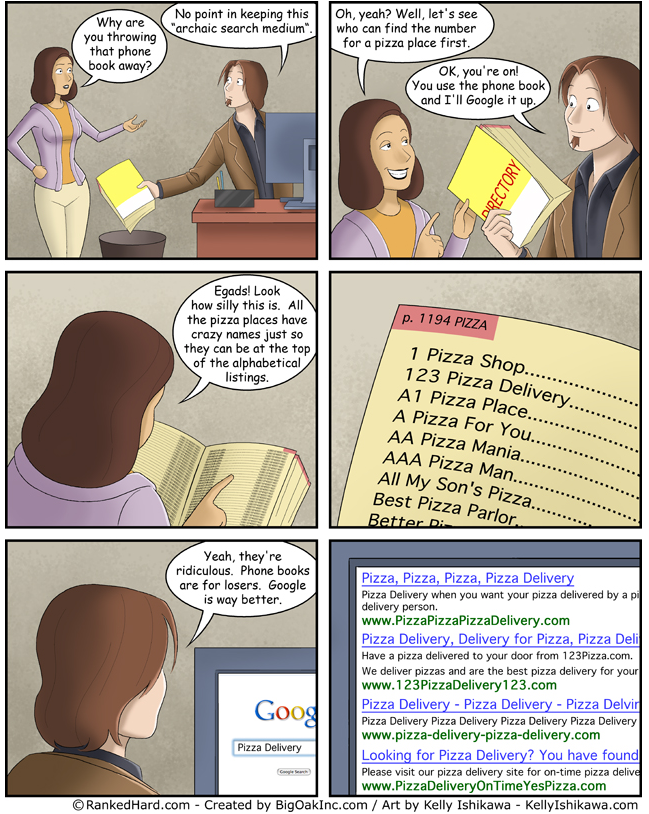
PostsPlanning for Christmas 19th August 2012 10:39 PM I remember our local pub had a xmas display up from the beginning of October to take party bookings. Seemed odd but guess it makes sense. HMRC Name and Shame Tax Dodgers on Flickr 17th August 2012 5:13 PM “From the ammount of letters I've had over the last 2 years from HMRC I'm suprised my handsome face is not gracing Flickr  .” Aha found Barney! Operation Sink Plunger If HMRC threaten to put your mug shot up there, then this is how to do it  My future company car 17th August 2012 5:09 PM lol ever the practical Small Businesses accused of overusing Social Media! 17th August 2012 2:30 PM Here's an interesting take against the use of Social Media: "Three quarters of business owners said they have been Yellow Pages versus Google 17th August 2012 2:14 PM Googles Rating Guidelines - and how it makes Algorithm changes! 17th August 2012 1:52 PM I came across this purely by accident, having missed the controversy I no doubt it caused when it was first leaked, but here is a Google Document that is given to its army of external helper who manually classify individual websites! Yep, if you didn't know, Googles Algorithm isn't the only thing that will dictate your position in the Search Results. Human checkers also look at sites, with the remit to look at it with the eyes of a visitor. In otherwords if the content is "deemed" to be spammy, thin or irrelevant, you will be manually marked down and penalised. So how do these checkers know what to look for? Que the Google Guidelines Internal Document... This document was leaked in 2011, and although Google has asked multiple sites to remove it, it is pretty straightforward to find just by searching on Google. But if you can't find it, here's a site that is still displaying it: Google Search Quality Rating Program General Guidelines 2011 Personally I don't know what the fuss is about. This doc is a great insight to the inner workings, but it's also a lot of common sense. I think Google should publically release it (and any revisions) so it's crystal clear as whats acceptable and what's not. The focus of the doc is for the outsourced checker to be thinking with a "user" mindset, and not as a website owner. In otherwords, whatever site they land on, what's their gut feel. Is it related to the search term that got them there? Is the homepage covered in adverts? Is it a thin site with the pure intention to send you somewhere else, such as an affiliate link? If you are serious about doing your own online marketing, then reading and understanding this doc is a must. But having gone through it, I still think if you sail a straight path with good content, steering clear of shady practices and reign in your linkbuilding and anchor text efforts, you will be fine Another good resource if you want to start getting to grips with some of the inner workings and understanding how Algorithms are born and developed is here: Google Algo Changes and Google Manual Reviews - How It Works | PotPieGirl.com So if your site was ranking really well for a particular keyword or phrase, and it suddenly disappears off the radar, you now have to ask yourself, was it Panda, was it the Penguin or was it Frank the covert googler who just thought your site was crap  So what do you think? Be interested to hear what some of our professional SEO peeps think... HMRC Name and Shame Tax Dodgers on Flickr 17th August 2012 1:06 PM This is great! HMRC have a most wanted list and its published via Flickr Flickr: HM Revenue & Customs' Photostream Obviously budget cuts mean having to use a free social network, but it's a start! Advent Laptop 17th August 2012 12:55 PM any recovery boot disks? boot from a windows installation disk and delete any partitions that way and install fresh? Advent Laptop 17th August 2012 12:42 PM Moved you to the techie forum. Have you tried F8? Should your Windows develop serious errors or fail to start, you can restore your computer back to factory settings by using the hard drive recovery located on a hidden partition on the hard drive. To restore your computer back to factory settings, follow the steps below: Turn on the computer and keep tapping F8 until the advanced options menu is displayed Use the up/down arrow keys on the keyboard to highlight Repair Your Computer and press enter to select it UKT Support - Advent 5611 Laptop Chrome overtakes IE globally 16th August 2012 2:47 PM Tend to see some banking sites won't load up in Chrome, or some of the functionality doesn't work. About the only time I use IE now, just to check the bank! |