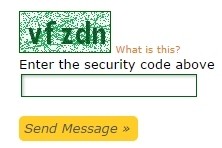
Had to submit a few phishing reports today on Google. By the 3rd one I was pulling my hair out trying to guess the correct capture.
For those that don't know, captures are just security checks to make sure you are a real person and not some kind of automated script or internet bot. Normally you see them as "enter the following words" or "2 + 1 =". In other words it triggers a manual action before you can submit your request, form etc.
Normally you will have options, so if it is difficult to read, then you can ask for a new one, or select an audio one.
Not so for Google though. I did a screen shot of this one after getting it wrong for the 3rd time out of frustration...
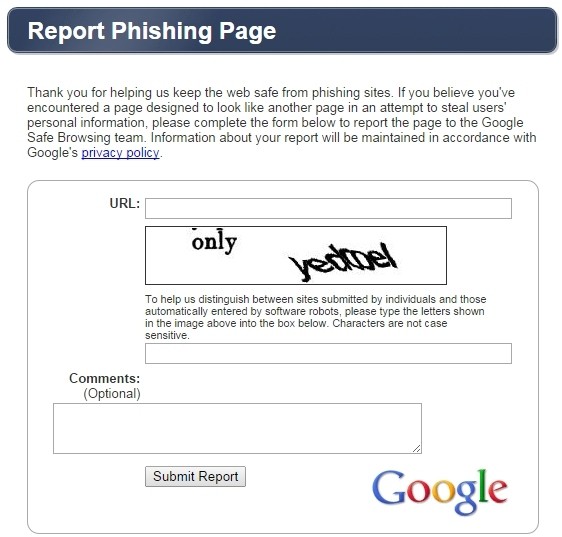
So enter 2 words, the first is pretty obvious, but the second?
Is that yedooel, yedcoel, yedroel?
Or is it a case of making it harder to report things or make a complaint? 
The thing that is frustrating is Google actually offer a free Captcha which is really good, just a shame they aren't using it 
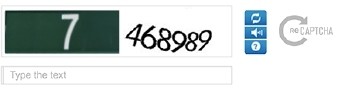
Oh well, maybe the page is supported by an apprentice developer?
But in the spirit of fairness, here's our own Captcha, which people may equally find frustrating, or hopefully easy to use.